September 2026 update: correct the standard model and distinguish the enhanced authorization preview
An important correction is needed to the original comparison: Web Roles are not limited to user-interface visibility. In the standard Power Pages authorization model, they connect site users to permissions governing both pages and Dataverse records.
For a typical authenticated site user, the practical model is:
Contact → Web Role → Table Permissions and Page Permissions
Table Permissions define the permitted operations and record access scope. Page Permissions address access to pages. Microsoft’s table-permissions documentation explains this relationship. Directly assigning a Dataverse Security Role to a Contact is not the standard configuration step for granting a site user record access.
If a form is visible but a save fails, my recommended starting point is to check the user’s Web Roles, the relevant Table Permissions, access type, relationship configuration and operation privileges. Form settings, validation and plug-ins may also contribute; a missing Dataverse Write privilege is not a universal diagnosis.
A separate development is enhanced authorization, currently documented as a preview. When enabled, Power Pages maps site users and roles to Dataverse security constructs and moves permission enforcement into Dataverse. Contacts and Web Roles remain part of the site configuration. Plug-in execution context and column-security behavior require specific attention.
Do not combine these two models into one set of instructions. Before designing or troubleshooting access, establish whether the site uses standard authorization or the enhanced preview, and verify its supported solution versions. A preview is not evidence that every existing site has already changed.
Original article — historical version with corrections above
The original March 2025 text is retained unchanged below. Its statements that Web Roles only control the UI, that Contacts ordinarily receive Dataverse Security Roles directly, and that both roles must always be assigned are superseded by the correction above. Use the model applicable to your site.
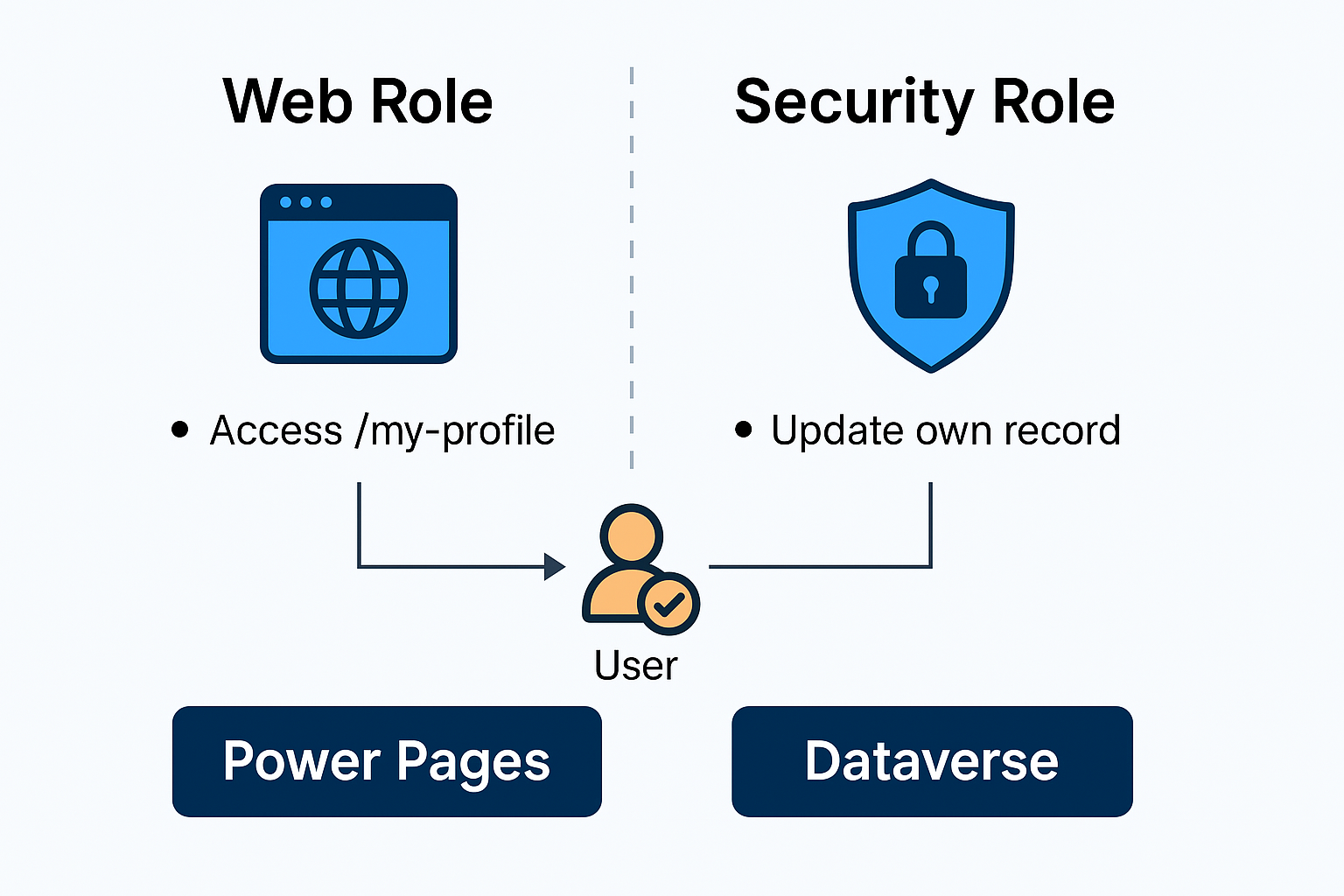
When building secure and scalable business applications with Power Pages, understanding the difference between Security Roles and Web Roles is critical. Both roles are essential, but they operate at different layers: Dataverse-level vs. Website-level.
Let’s explore both in detail, with practical examples and diagrams.
What are Security Roles?
Security Roles control a user’s access to Dataverse data. These roles define what operations (CRUD) a user can perform on which tables and at what scope (self-owned records, BU-wide, organization-wide, etc.).
Key Permissions:
- Read: View data
- Create: Add new records
- Write: Edit existing records
- Delete: Remove records
- Append / Append To: Link records
- Assign / Share: Change ownership / share access
These roles are managed within the Power Platform Admin Center and can be assigned to:
- Internal users (AAD-based)
- Web users (Contacts via Power Pages)
What are Web Roles?
Web Roles are specific to Power Pages and control what parts of the website interface are accessible to the user.
Scope of Control:
- Web Pages
- Basic Forms (Entity Forms)
- Lists (Entity Lists)
- Web Files
- Site Settings
They are assigned to Contacts (Web users) in Dataverse and act as “frontend access control” for the portal.
Comparison Table
| Feature | Security Role | Web Role |
|---|---|---|
| Scope | Dataverse data (tables, columns, rows) | Power Pages UI (pages, forms, views) |
| Assigned To | AAD Users / Contacts | Contacts only |
| Controls | CRUD operations | Visibility of UI elements |
| Example | Can update Account records | Can access my-profile page |
| Tool | Power Platform Admin Center | Power Pages site management |
Use Case Example
Scenario: You are building a Power Pages site where logged-in users can update their personal profiles.
Steps:
- User logs in to the portal (Contact).
- The Web Role gives access to
/my-profilepage and form. - The Security Role allows the user to update their own Contact record in Dataverse.
If the form loads but save fails, it’s likely the Security Role is missing necessary Write permissions on the Contact table.
Best Practice Tips
- Always assign both roles when enabling portal access.
- Start with least privilege principle: only grant what’s needed.
- Troubleshoot form save issues by checking Security Role permissions first.

コメント